Pricing is a crucial aspect when working with cloud services, and Amazon Web Services (AWS) offers a comprehensive pricing model for its vast array of services. To navigate and analyze the pricing information efficiently, developers and cloud administrators often turn to automation tools like PowerShell. This powerful scripting language, combined with AWS’s comprehensive API, allows users to programmatically access, retrieve, and analyze AWS list prices. In this article, we will explore how to leverage PowerShell to access AWS list prices and extract valuable insights for optimizing costs and resource allocation.
Prerequisites:
Install-Module -Name AWSPowerShell
Here is the PowerShell cmdlets for AWS Pricing API that we can utilize to download the pricing info.
AWS Price List Service | AWS Tools for PowerShell (amazon.com)
We will be utilizing Get-PLSPriceListList, Get-PLSPriceListUrl and Invoke-Webrequest to download the pricing sheet in CSV format.

Assumption is that you are already authenticated to AWS.
Here is the first command you will enter:
$getdate = get-date -Format MM/dd/yyyy
$ec2priceregion = Get-PLSPriceListList -ServiceCode AmazonEC2 -RegionCode us-east-1 -CurrencyCode USD -EffectiveDate $getdate
It will return the arn we need, that we must feed it in another cmdlet.

$ec2priceregionurl = Get-PLSPriceListFileUrl -PriceListArn $ec2priceregion.PriceListArn -FileFormat csv

Now we will use invoke-webrequest to download this CSV file.
Invoke-WebRequest -Uri $ec2priceregionurl -OutFile “c:\temp\useactec2pricing.csv”

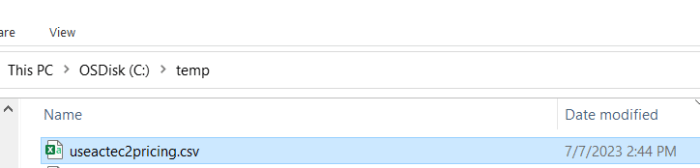
After its fully downloaded, you will find all the pricing information for ec2 instances.
I hope this information will assist you in downloading the pricing information and using it further in your solutions.
Thanks for reading…
Tech Wizard
 Tech Wizard