We had a need to install the SMTP server for some application but we want to change the default Mail directories path:
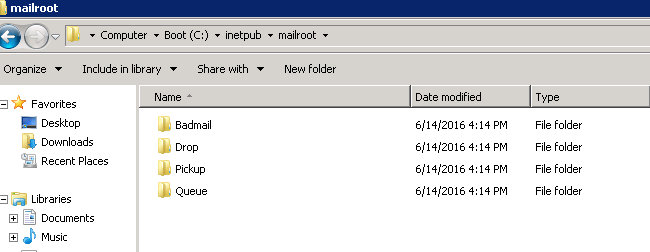
Unfortunately you can’t just do it from IIS management console, for modifying the default paths you need metabase explorer.
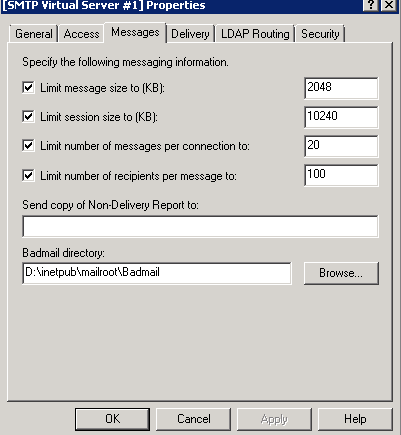
However you can change the Badmail directory from IIS console: (right click smtp server –> properties –>Messages Tab)
modify it & restart the SMTP service for changes to take effect.
For other directories:
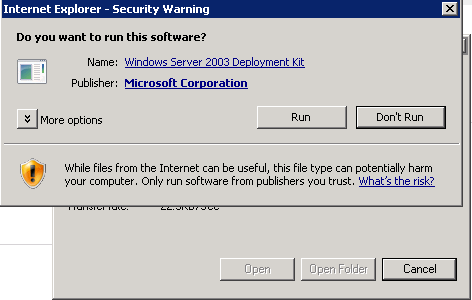
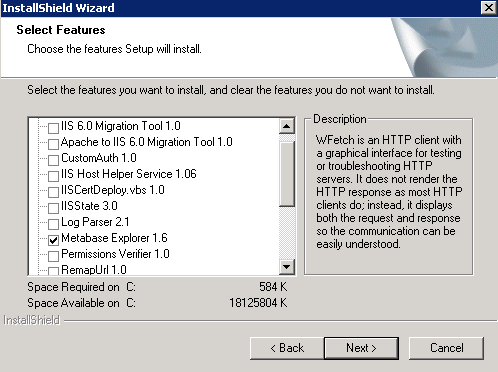
download & install the IIS Metabase explorer.
Follow the wizard & choose custom installation
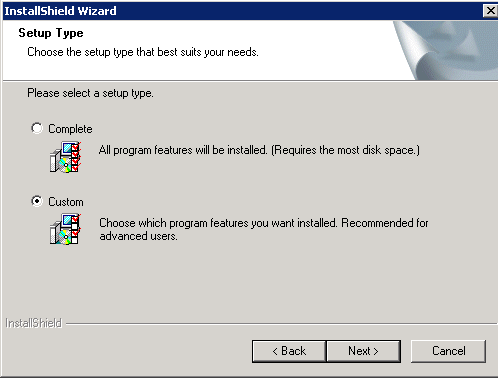
Just select the Metabase Explorer & finish the wizard.
Launch Metabase Explorer
Navigate to LM > SmtpSvc > 1 and change the directory paths
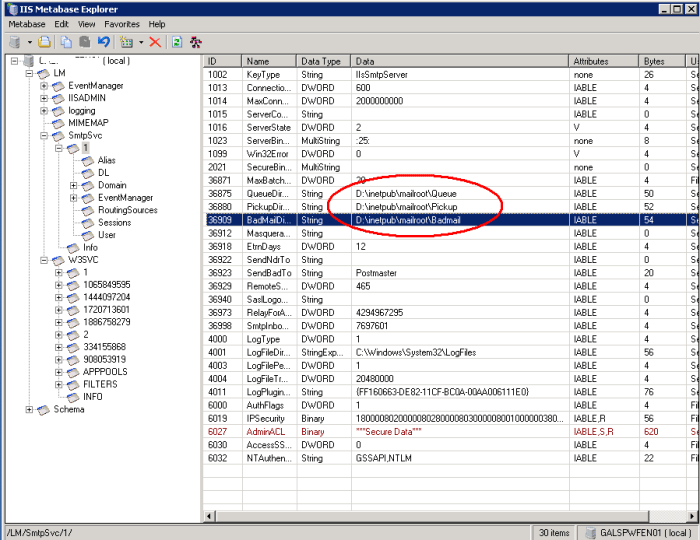
Restart the SMTP service & you will notice new paths gets created.
Just follow the steps mentioned above if you are in same situation.
Tech Wizard
 Tech Wizard